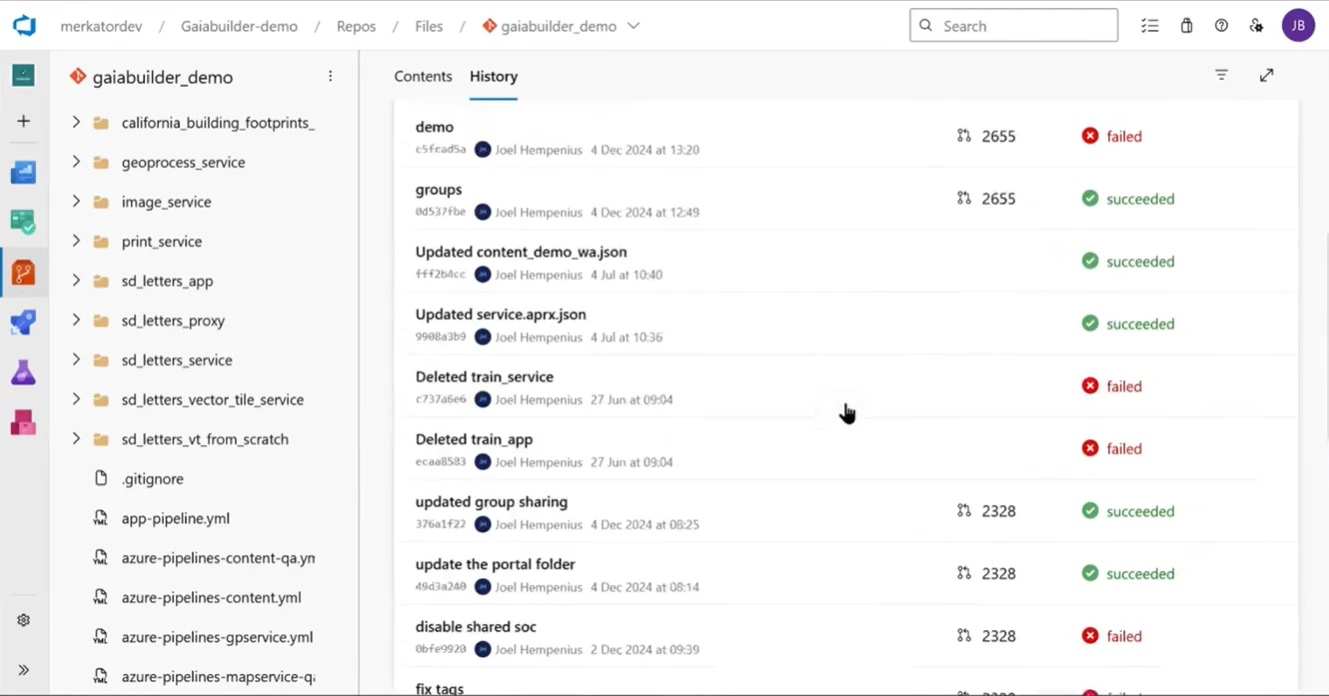
View full size ↗GaiaBuilder workflow in Azure DevOps: content, version history, and build status.
Data Annex for ArcGIS / Secure content access
External files. Access governed by ArcGIS.
Data Annex for ArcGIS extends ArcGIS authentication and authorization to externally stored documents, photos, and videos. Give authorized users access through your GIS applications and protected links while retaining your existing storage.
Authenticate users through ArcGIS Online or Enterprise.
Apply access policies using ArcGIS users, roles, and groups.
Keep documents and media in your external storage.
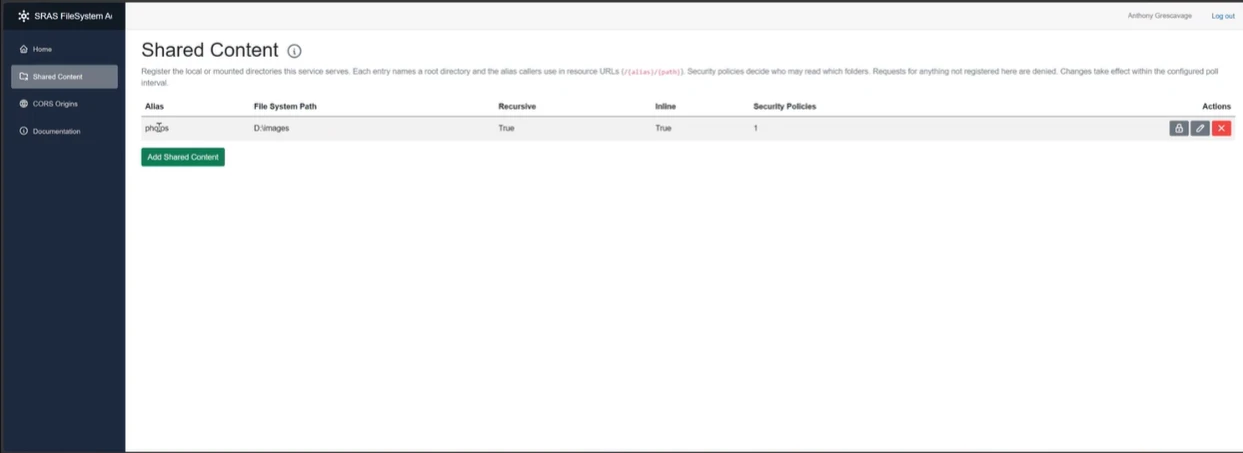
View full size ↗Data Annex for ArcGIS administration: configure shared content and its security policies.
Videos & Photos for ArcGIS
Site conditions everyone can understand.
Capture in the field. Review in ArcGIS.
Bring 360° and standard videos and photos from cameras, drones, dashcams, and mobile devices into ArcGIS Online or ArcGIS Enterprise. Prepare media with Geotagged Media Tools, then review it with Vidgeo and Site Viewer 360 in ArcGIS Experience Builder.
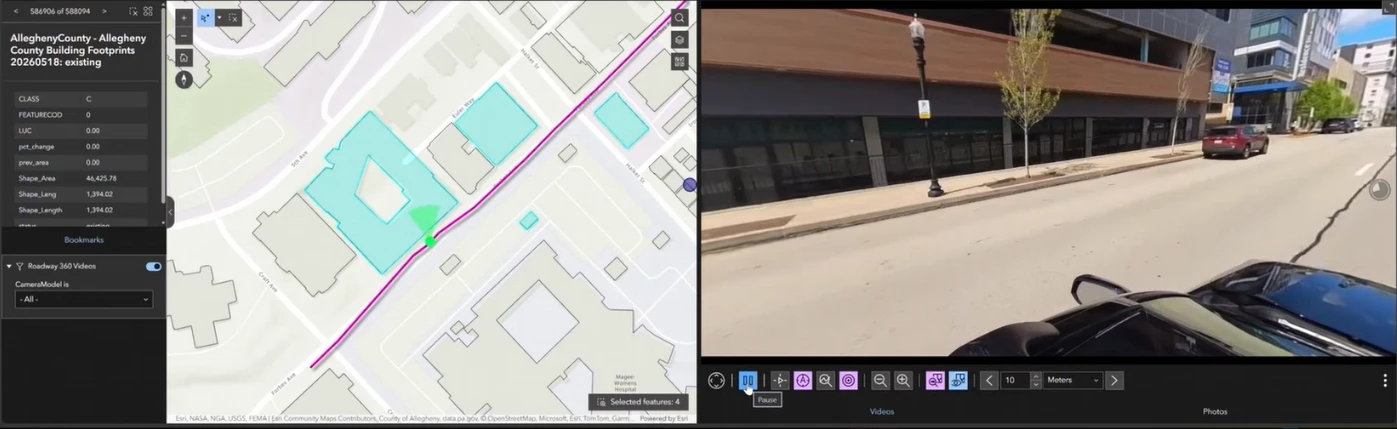
View full size ↗Vidgeo connects selected map features with street-level video.
Solutions in action
What teams achieve with our tools.
GaiaBuilder
Repeatable.
A federal health agency brings CI/CD and version control to ArcGIS Enterprise.
Some of the most respected companies and government agencies rely on GaiaBuilder to manage and automate their ArcGIS application and content deployments.
Data Annex for ArcGIS
Secure access.
Engineers open the permits and photos they need, directly from their maps.
Connect project locations to protected files so authorized staff and external clients can access the right documents. GIS teams use ArcGIS identity to govern access, reducing manual file requests and the need for security workarounds.
Videos & Photos for ArcGIS
Field to map.
Storm damage documented with 360° video in ArcGIS.
Nodeology’s Oakmont field project connects street-level video and mapped observations to support damage assessment.
“GaiaBuilder enables us to implement ArcGIS Enterprise updates with confidence. What used to take a full day now only takes minutes, and if something goes wrong, we can instantly roll back.”
Data Annex for ArcGISDirector of GIS, AEC Firm
“With Data Annex for ArcGIS, we moved our photo attachments out of the GIS database and reduced its size from 2.1 TB to approximately 300 MB. Our maps load faster, backups run more smoothly, and our engineers and project managers can access and share files without navigating a GIS application.”
Vidgeo & Site Viewer 360Visual Design Manager, AEC Firm
“Using Vidgeo and Site Viewer 360 has greatly improved our project workflows, from the way we view, store, and host project site photos and videos to the way we handle project deliverables utilizing ArcGIS. Nodeology turns weeks of work into days of work with better results.”
With you beyond the demo
From first demo to everyday use.
Practical help to get the right solution running in your environment, and put it to work.
01
Implementation
Installation and configuration support for your ArcGIS environment and workflows.
02
Training
Practical guidance to help your team use the solution confidently.
03
Ongoing support
Help with questions, troubleshooting, and changing requirements.
Let’s talk about your workflow
What would you like to simplify in ArcGIS?
Tell us what your team needs to accomplish. We’ll tailor a demonstration to your priorities.

 View full size ↗